


Photos capture moments beautifully, but they can’t preserve the stories that give them meaning. Who are those people standing with Grandma? Where was that beach holiday? Why was everyone laughing in that picture?
Photo Backstories: Keep the Stories Behind Your Photos
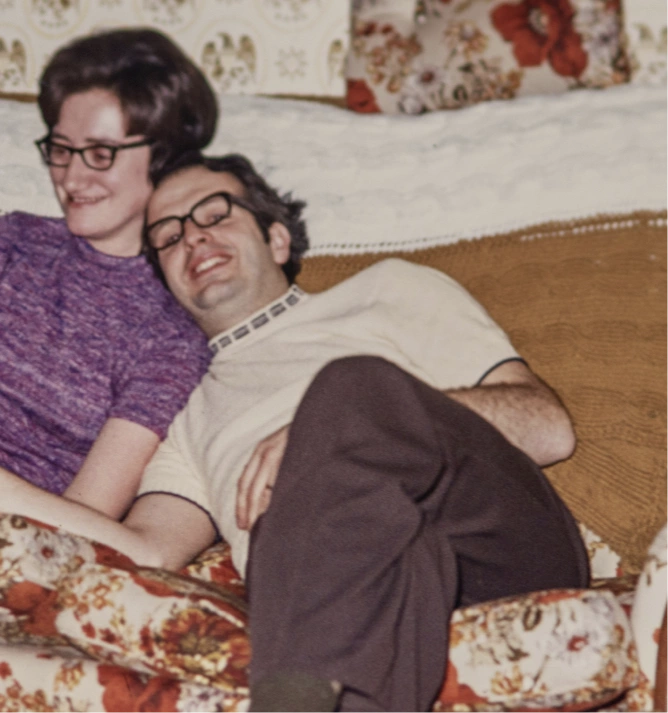

Every photo deserves its story
Without the stories attached, even your most treasured images gradually become mysteries.
Simirity, a private family journal app, helps you keep photos and their backstories together, so future generations inherit complete memories and feel connected to the family who came before them.
Key Features Used
These features help your family keep photos and their stories together for generations to come:
Multi-media
Storytelling Your Way
Combine photos, videos, audio recordings, and written text in a single story that captures every detail worth preserving

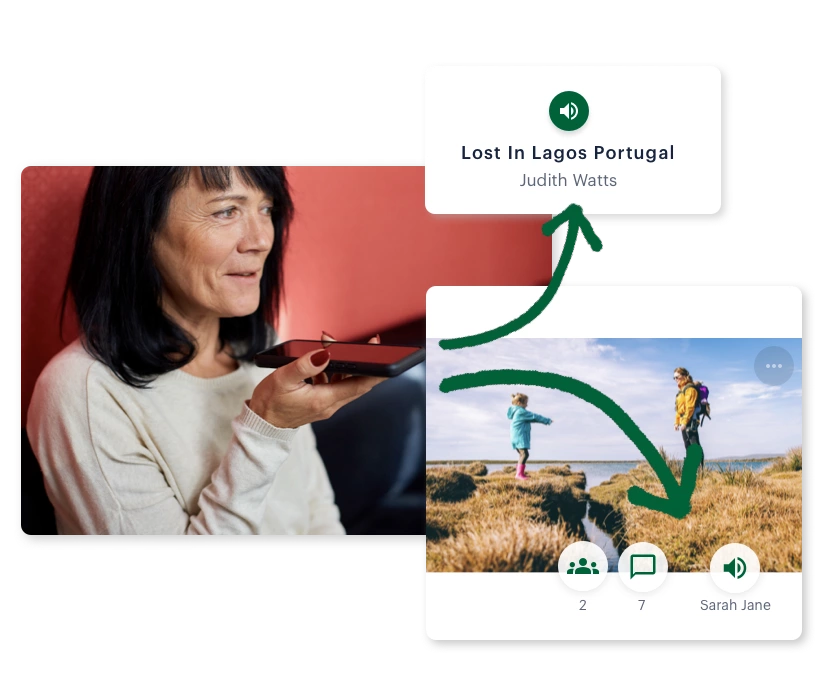
Voice Recordings
Narrate stories your way: attach brief audio notes to photos for quick context, or record full voice stories to capture entire experiences
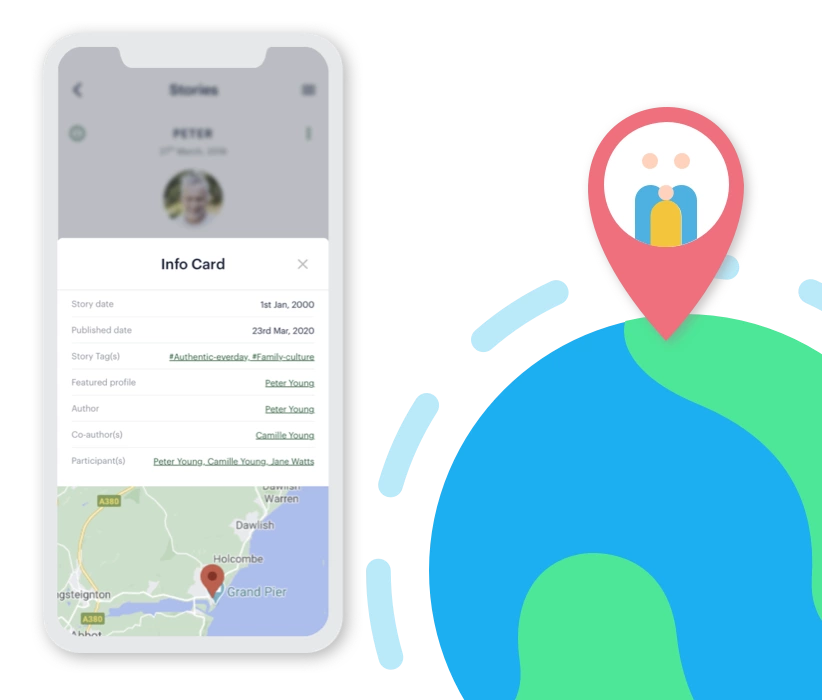
Map Your Story
Add location pins to stories so family understands exactly where memories happened, and preserve special places for future generations to walk in your footsteps
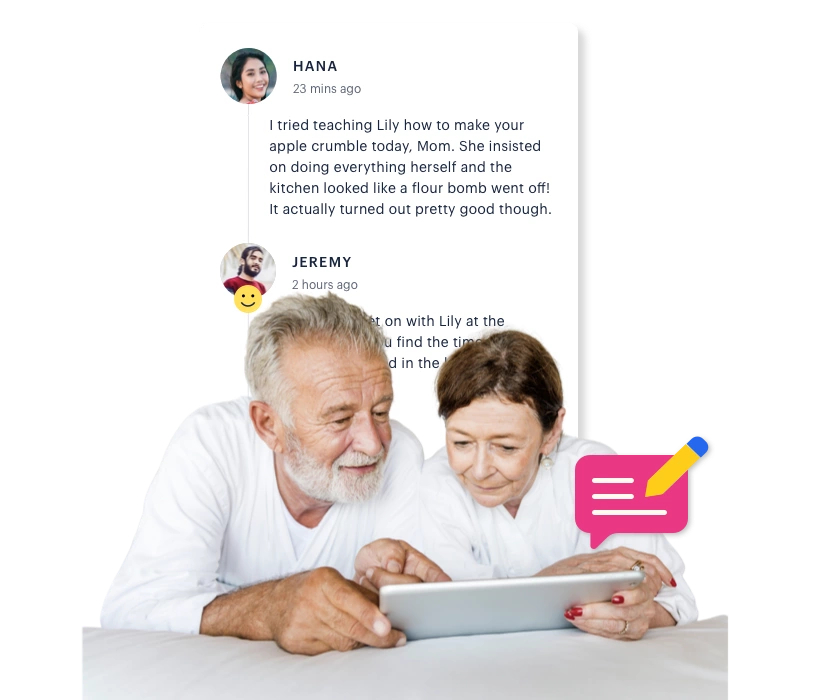
Add Comments
Stories spark conversations. Add comments to photos, videos and stories, thanking authors and sharing your own perspectives
Private Photos & Videos
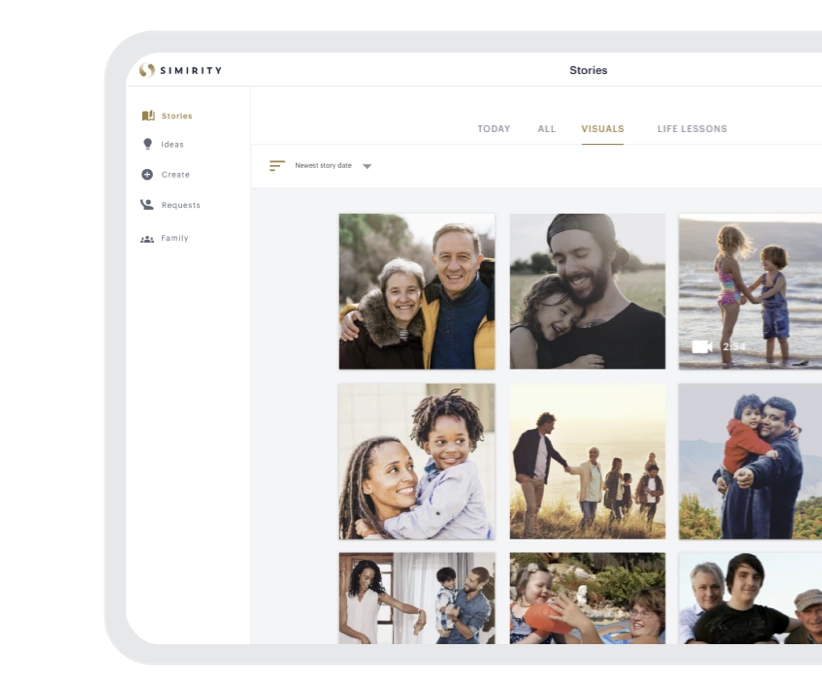
Visuals Page
Your family’s private visual feed: scroll through photos and videos from everyone’s stories without social media noise or privacy concerns
Anniversary Reminders
Be reminded of stories that happened on today’s date in past years, like Google Photos memories, but for complete family experiences

What You Can Achieve

Old family albums finally have the stories attached
Today’s moments captured with context before memories fade
Future generations connect with ancestors thanks to photo backstories
See family stories in action, or discover other uses of Simirity below.
Your Questions Answered
How does Simirity differ from Google Photos or other photo apps?
Google Photos and similar apps excel at storing and organising images, but they can’t preserve the stories that give photos meaning.
Simirity was built specifically to keep photos and their backstories together. You can combine photos with text, voice recordings, videos, and location details in a single story, so future generations understand not just what moments looked like, but what they meant and why they mattered.
While photo storage apps help you find images, Simirity helps you preserve complete memories that won’t become mysteries over time.
Can I upload photos directly from Google Photos?
There is no integration with Google Photos currently. To use photos stored on any cloud server, such as Google, you will need to download them to your device, then upload them to Simirity when creating stories.
Google Photos is ideal for mass photo storage, while Simirity is optimised to preserve the stories behind selected images.
What's the best way to start adding stories to old family photos?
Start with photos that matter most, those with people or places you might forget.
Don’t try to tackle everything at once. Begin with 5-10 photos where you still remember the stories clearly. Once you’ve captured those, move to older images where details are fuzzier. You can always add to stories later, and family members can help fill in gaps through comments. The important thing is starting before more memories fade.
How do voice recordings work?
Voice recordings in Simirity are simple: click record, speak, and attach to your story or photo.
You can record audio narrations up to 2 minutes for quick photo backstories, or create voice recordings of up to 30 minutes within stories. This feature works on any device with a microphone—computers, tablets, or phones.
Voice recordings are particularly valuable for preserving tone and emotion that text can’t capture, and they make it easy for less tech-savvy family members (like grandparents) to share stories without typing.
Can I attach multiple photos to one story?
Yes, you can add as many photos as you like to a single story.
This is perfect for events like holidays, birthdays, or trips where you want multiple images together with shared context. You can add photos, videos, voice recordings, and written text all in one story—whatever combination tells that memory best. Each photo in the story can also have its own caption for specific details.
Can I add videos as well as photos?
Yes, videos work just like photos in Simirity stories.
You can upload video files alongside photos, add written context, attach voice narrations, and include location details—all within the same story. This multimedia approach ensures you capture memories completely, using whatever combination of photos, videos, audio, and text best tells each story.
In what resolution are photos saved?
Simirity stores your photos in high resolution, preserving their quality for future generations.
We don’t compress images to the point where quality degrades noticeably. Your photos remain clear and detailed, ensuring they look good whether viewed on phones, tablets, or computers—and will still look excellent decades from now when your grandchildren view them.